Compare before you commit
See material cost, board count and unused area for different plans.
FOR FURNITURE MAKERS & SMALL WORKSHOPS
Cabinet Cutlist
Plan rectangular parts, compare material options, follow the cuts and bring measured offcuts into the next job. A connected workflow for your Android device.
For cabinetmakers, small workshops and DIY furniture projects using rectangular sheet material.
One-time app purchase · See Google Play for the price in your country. Prices and availability may vary.
Stock → layout → cuts → offcuts
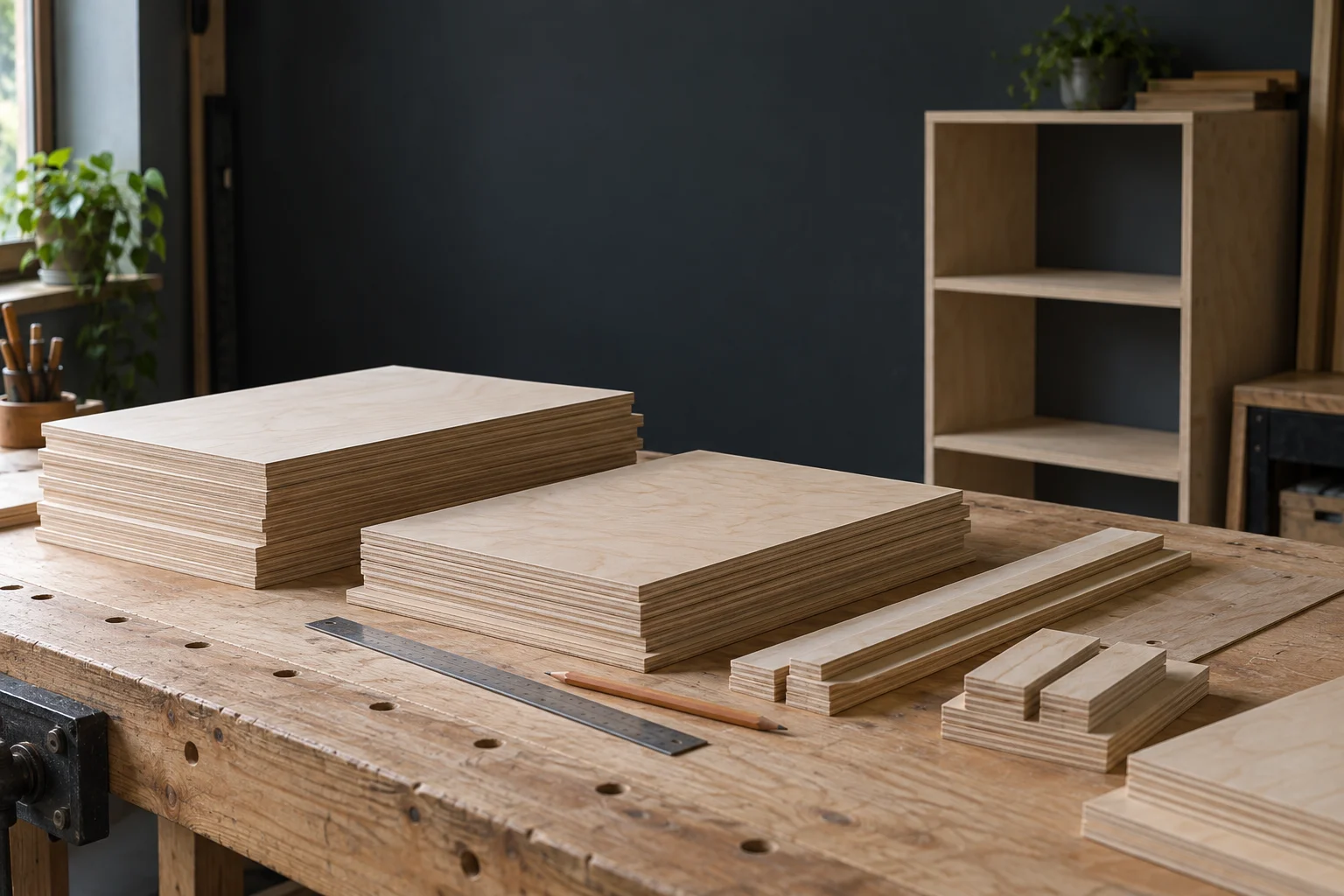
Fictional demonstration project. Screens and downloadable files are produced by the app. Scenario photographs are AI-generated illustrations, not customer projects.
See material cost, board count and unused area for different plans.
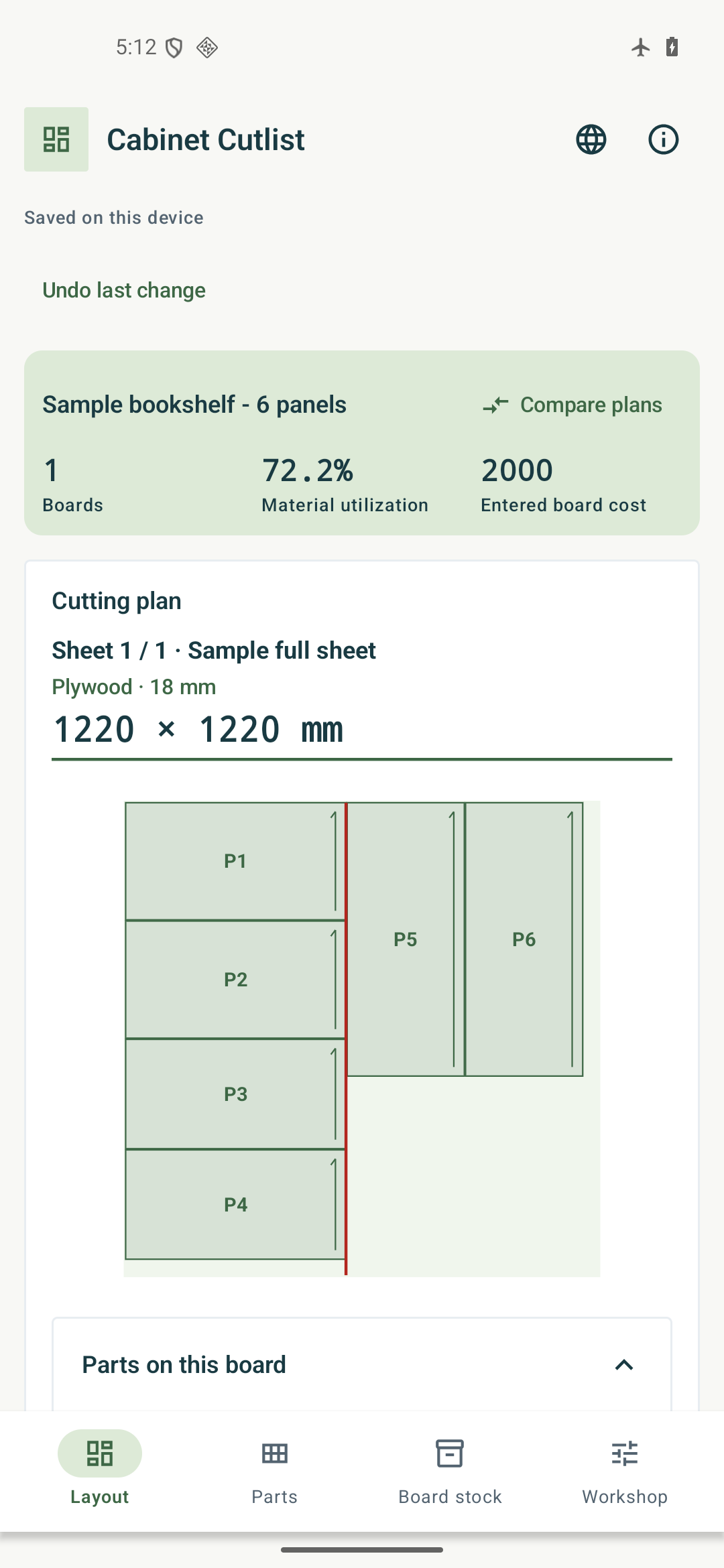
Use dimensioned layouts, cutting steps and part labels.
Record measured remnants after cutting and reuse them in later jobs.
How it works
Add boards and parts with matching materials and thicknesses. Check kerf, edge trim, rotation and prices.
Review material options, board counts and fit warnings. Apply the plan that suits the job.
Follow the cut list, save your progress, and record measured offcuts when the work is complete.
This video introduces actual app screens and exported samples. Select subtitles in the video player.
Cabinet Cutlist
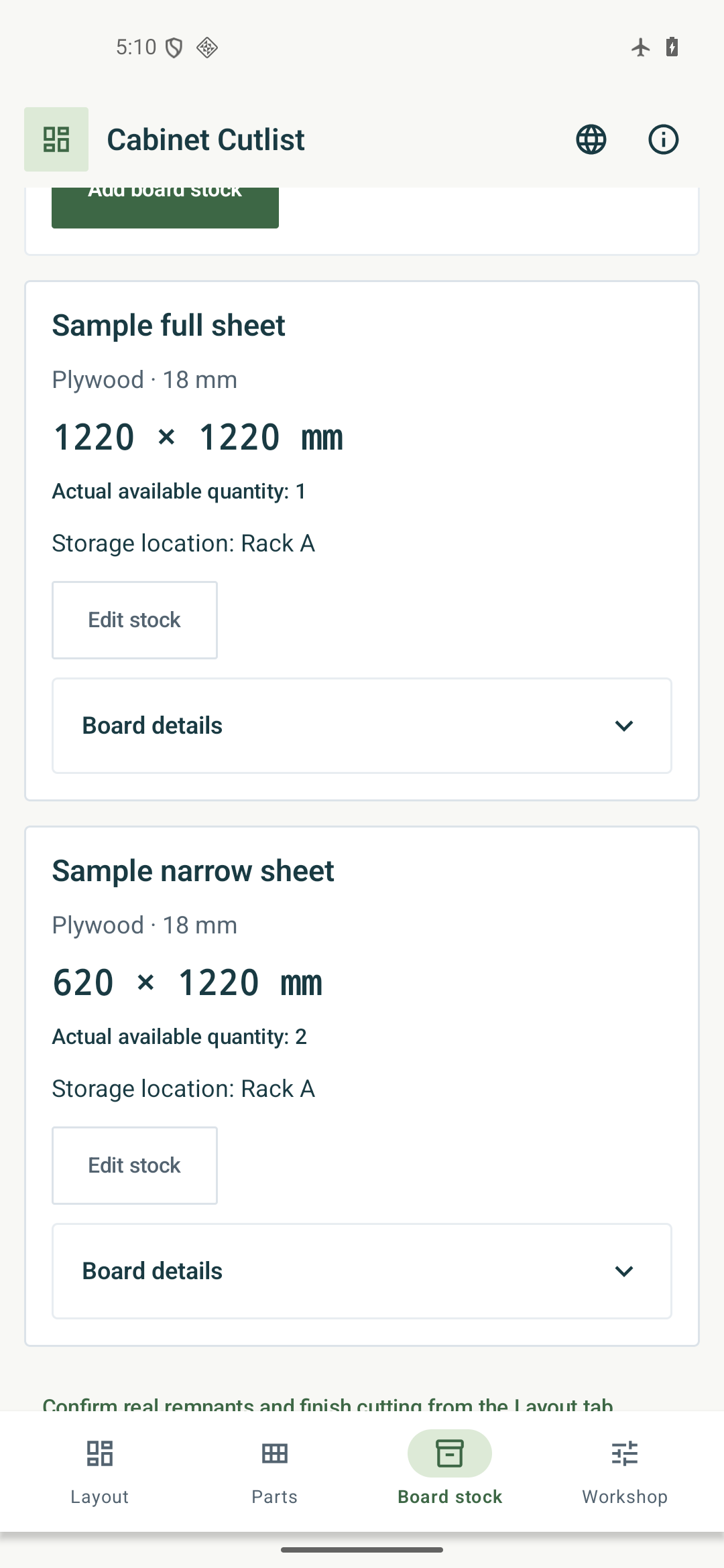
See real placement and material-comparison screens, then inspect the exported plan. A layout is a planning aid: verify dimensions and machine settings before cutting.
Open full-size image ↗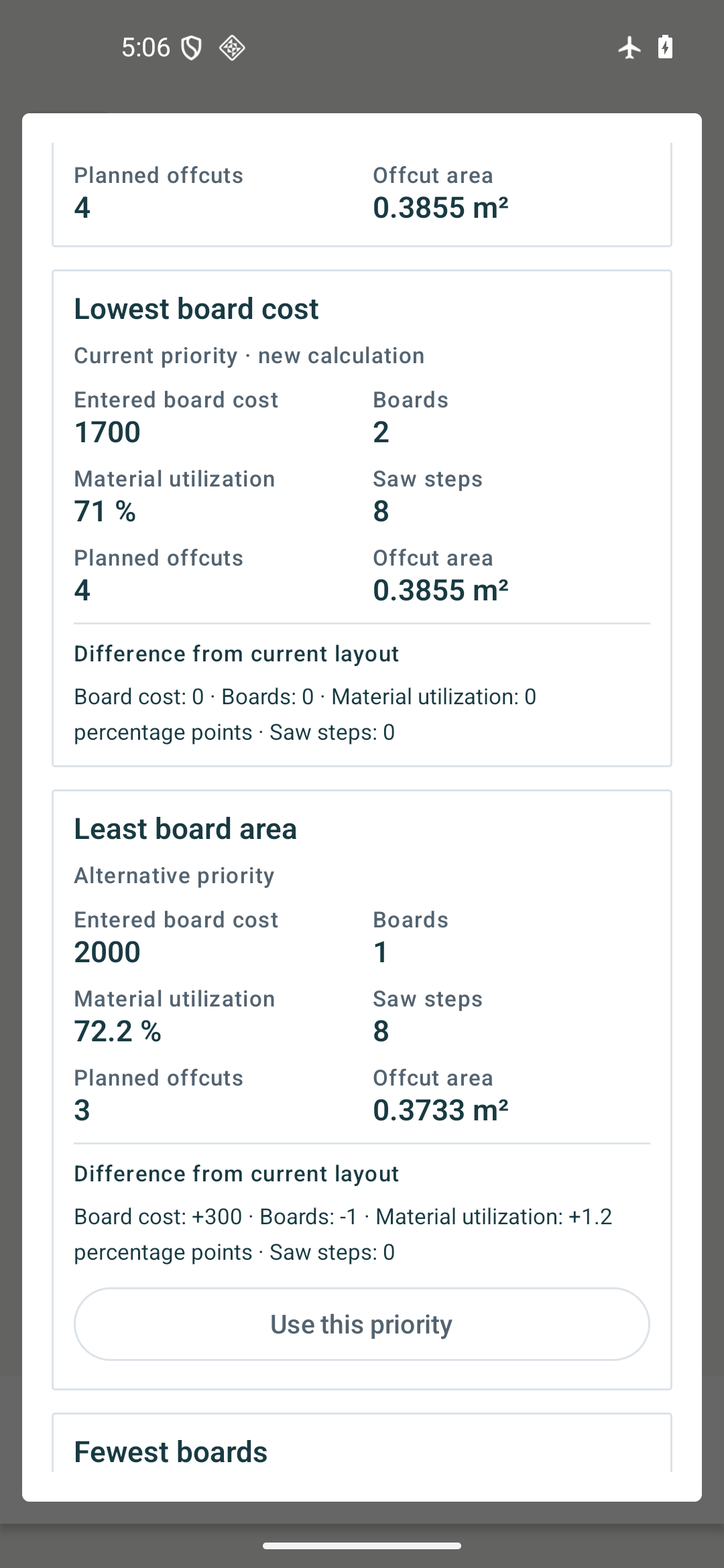 Open full-size image ↗
 Open full-size image ↗
Screens show an example project. The interface can be switched between 10 languages.
Real output
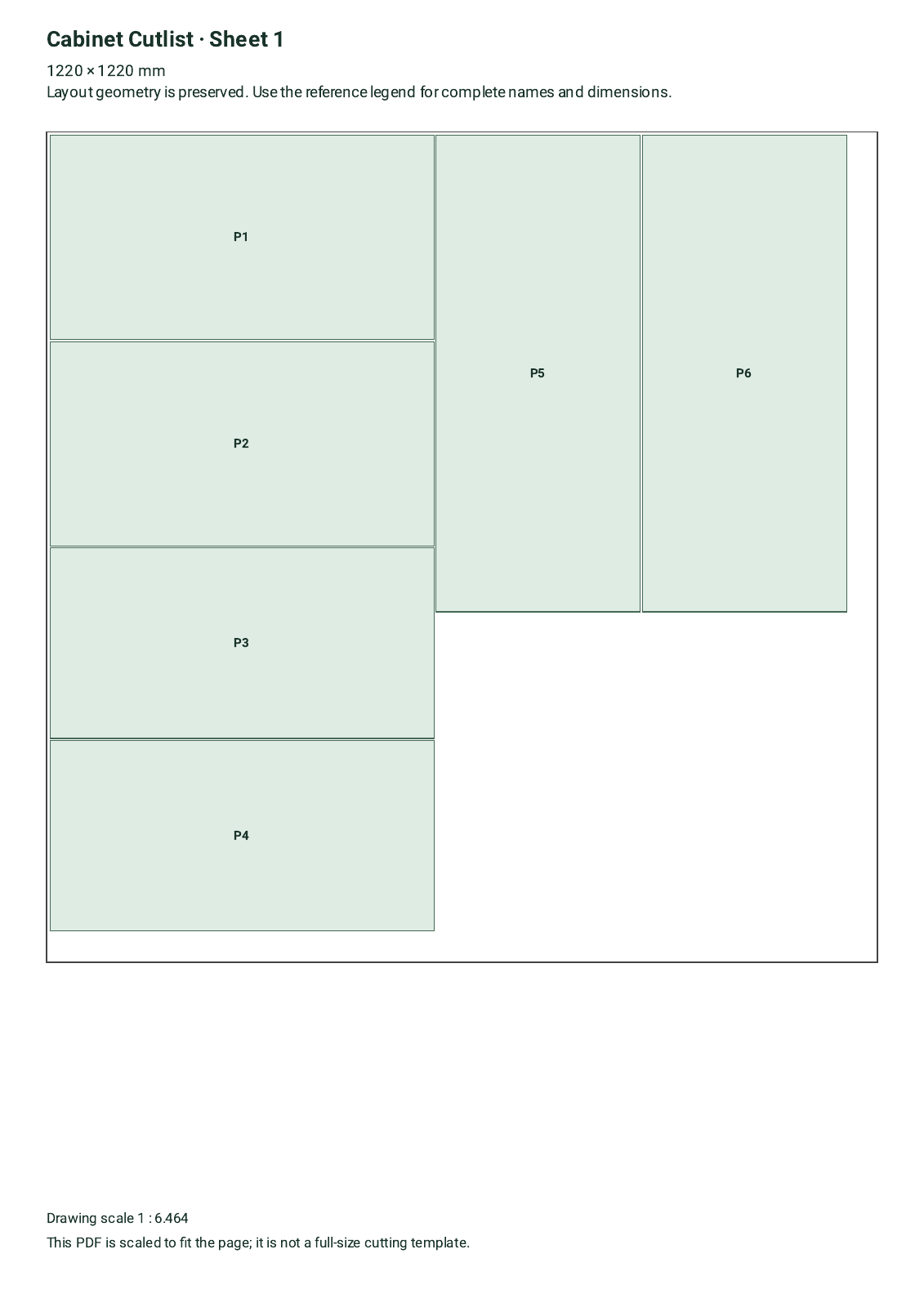
Inspect the actual files, including layout, dimensions and content. These are examples, not promises about every project.
Fictional demonstration project. Screens and downloadable files are produced by the app. Scenario photographs are AI-generated illustrations, not customer projects.
Features & limits
The app selects a supported device language on first launch. You can change it inside the app. Your manual choice is saved. Unsupported languages use English; Chinese uses Traditional Chinese.
Inspect an actual cut plan and see whether the workflow fits your bench.
Tell us what you need to record, report or cut. We can help you check whether the app fits your workflow.
With your consent, we count page views, video plays, sample file openings, clicks to Google Play and successful inquiry submissions (without their content) to improve this page. Results are grouped by app, display language and broad traffic source. Names, email addresses, inquiry content, full URLs and IP addresses are not stored in the analytics data. We do not use cookies to identify individuals for this measurement. These actions do not indicate completed purchases. Your choice is saved in this browser and can be changed at any time.
Measurement is disabled